Pick a template, click to make it yours, add your products and take orders. It runs on your computer, so there’s no hosting fee.
No trial, no credit card · Windows 10 or 11, or a Mac with Apple silicon · version 1.2.34

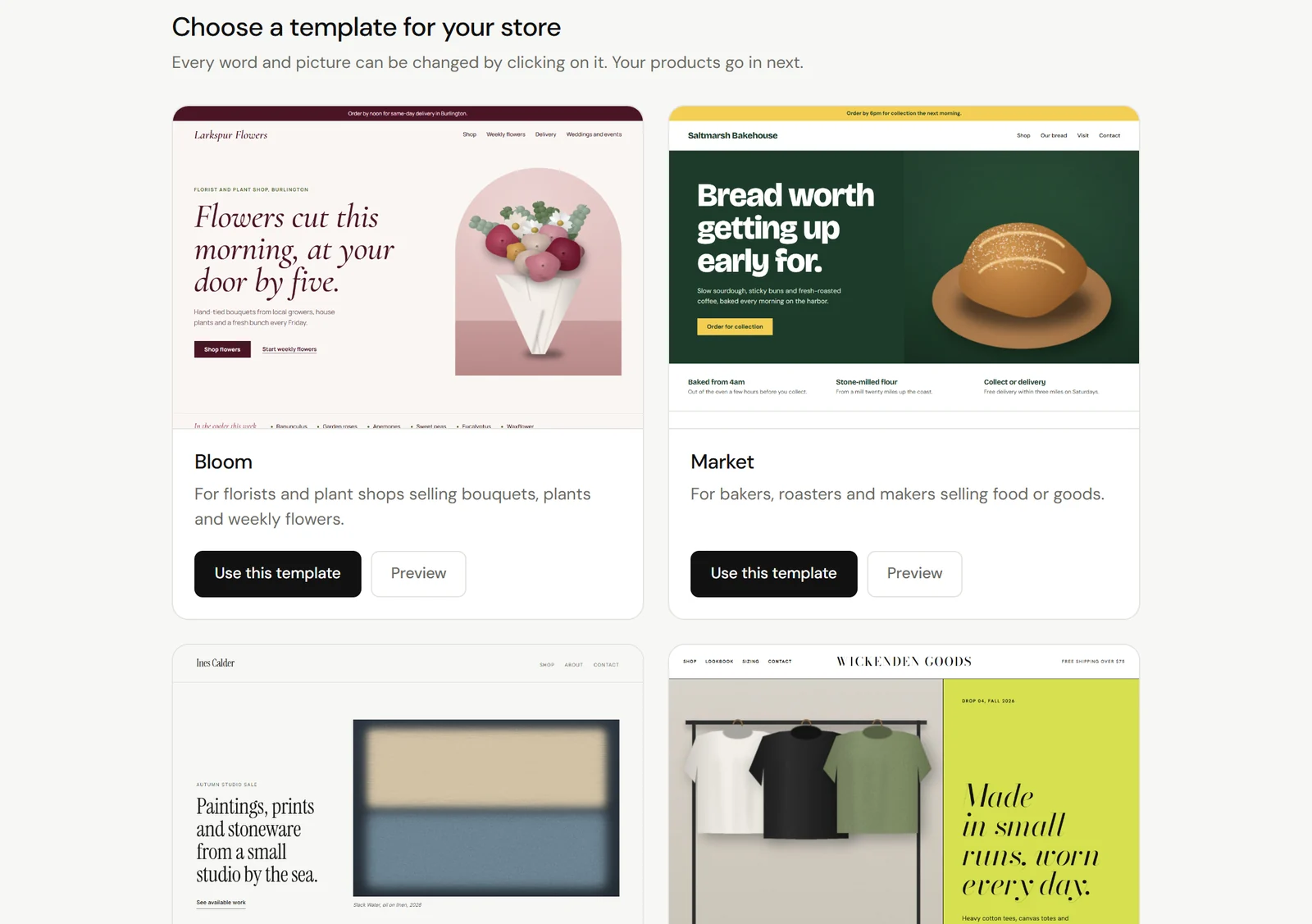
Online store or website. Each one is a finished site with its own look, ready to make yours.

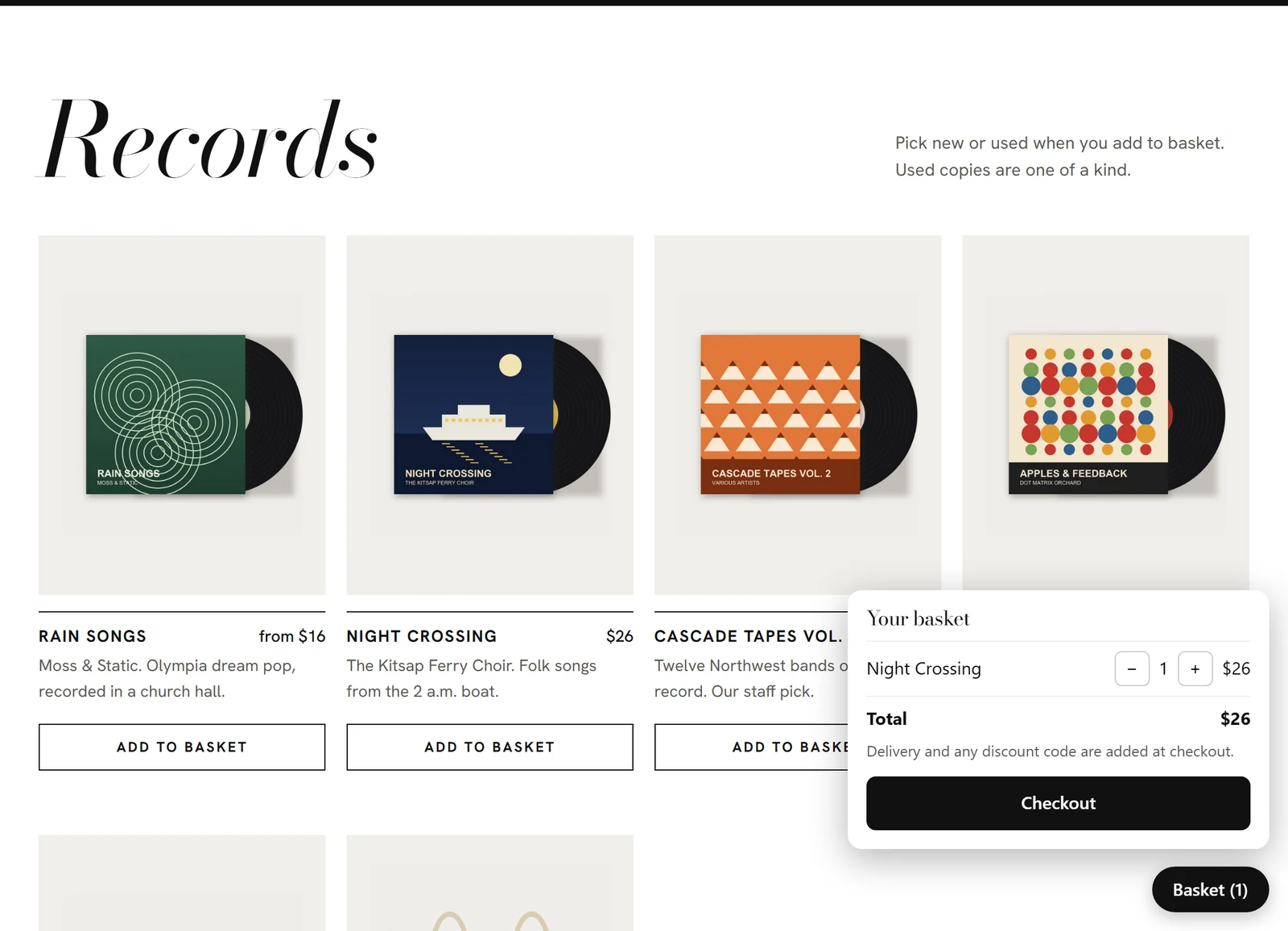
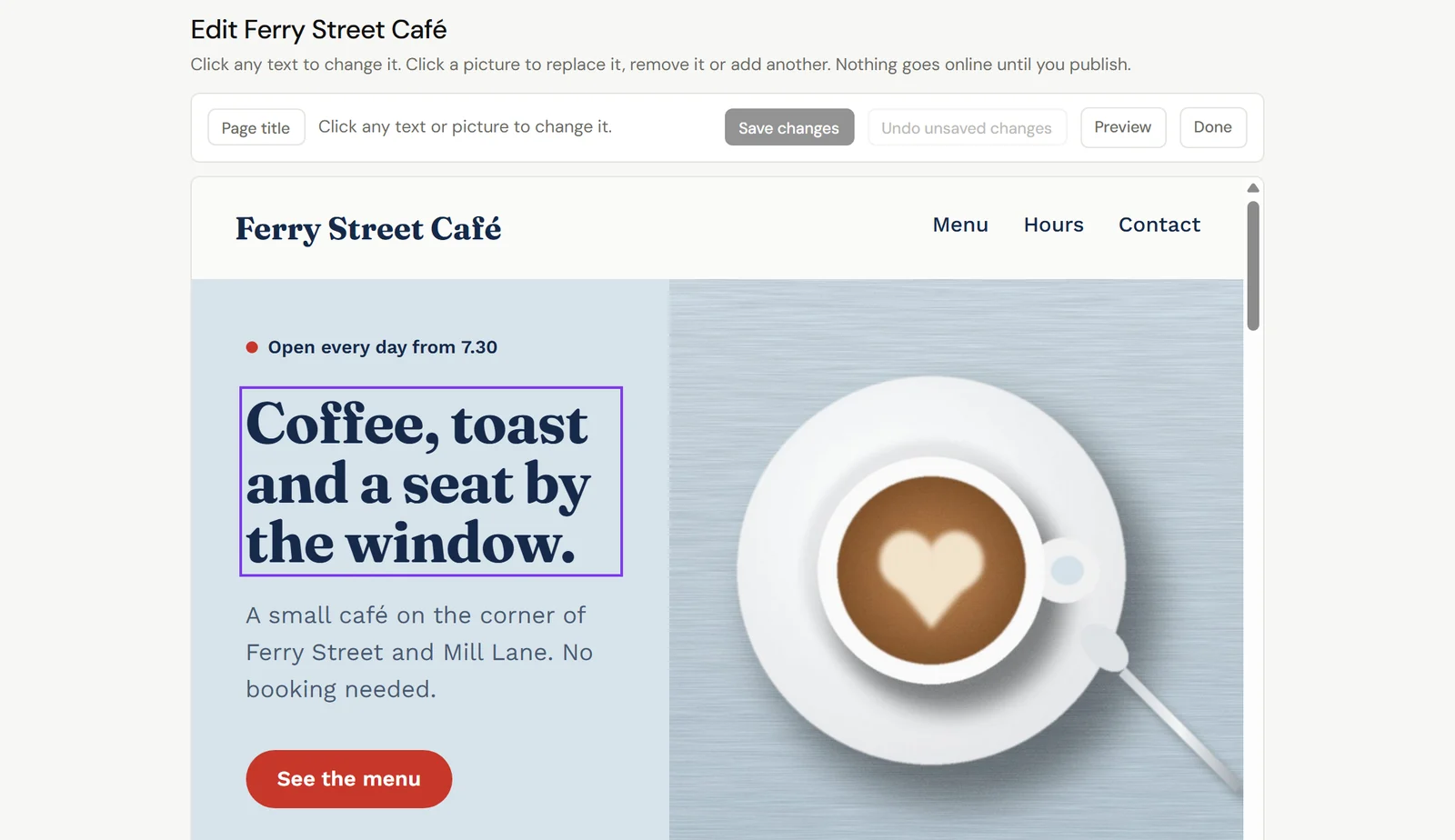
Click any words or picture on the page and change them. Nothing goes online until you publish.

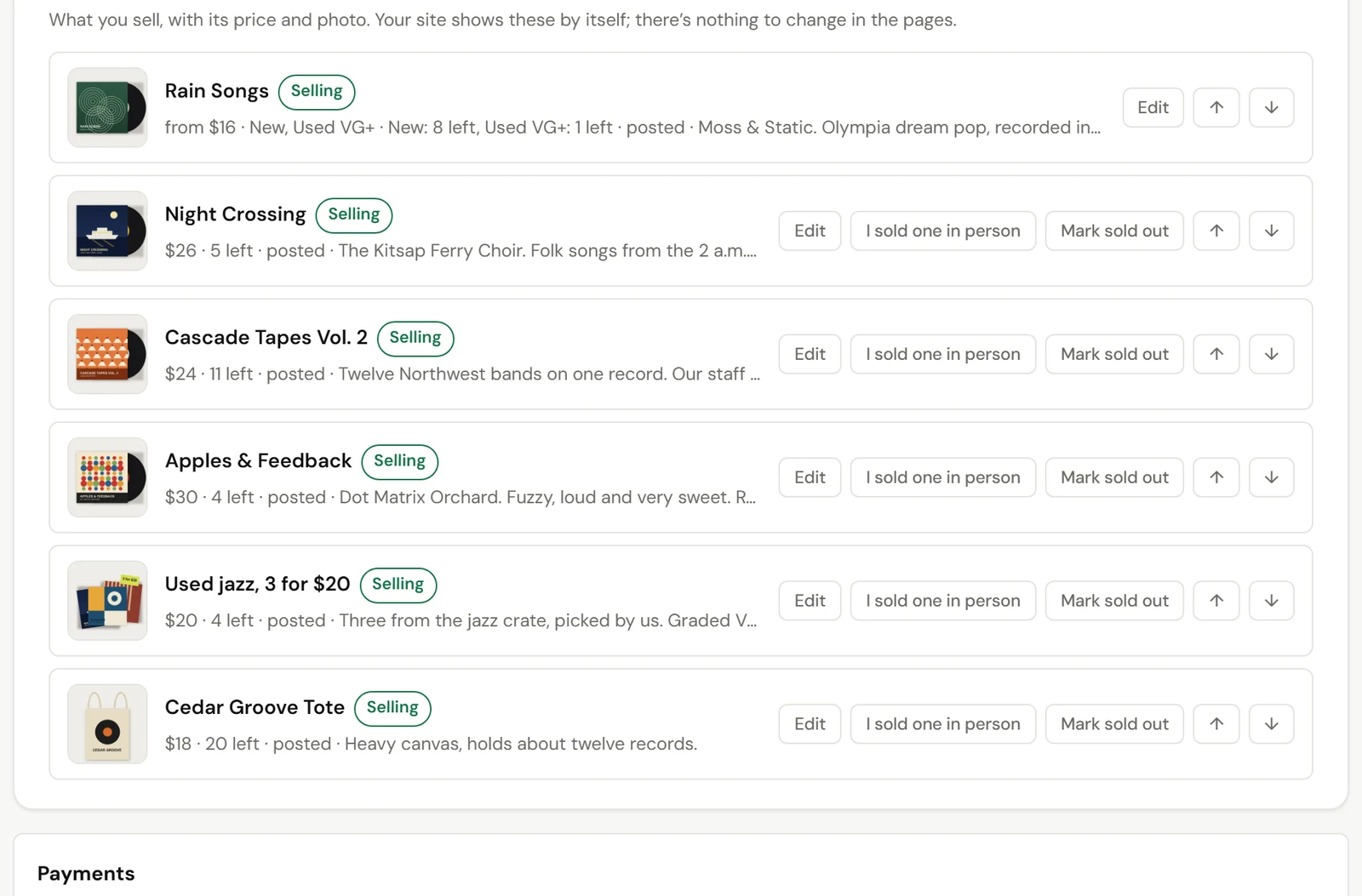
Photos, prices, sizes and stock. Mark one sold out, or sell one in person. The site updates by itself.

Connect Stripe once. Customers pay by card, with delivery or pickup, and the money goes straight to your bank.

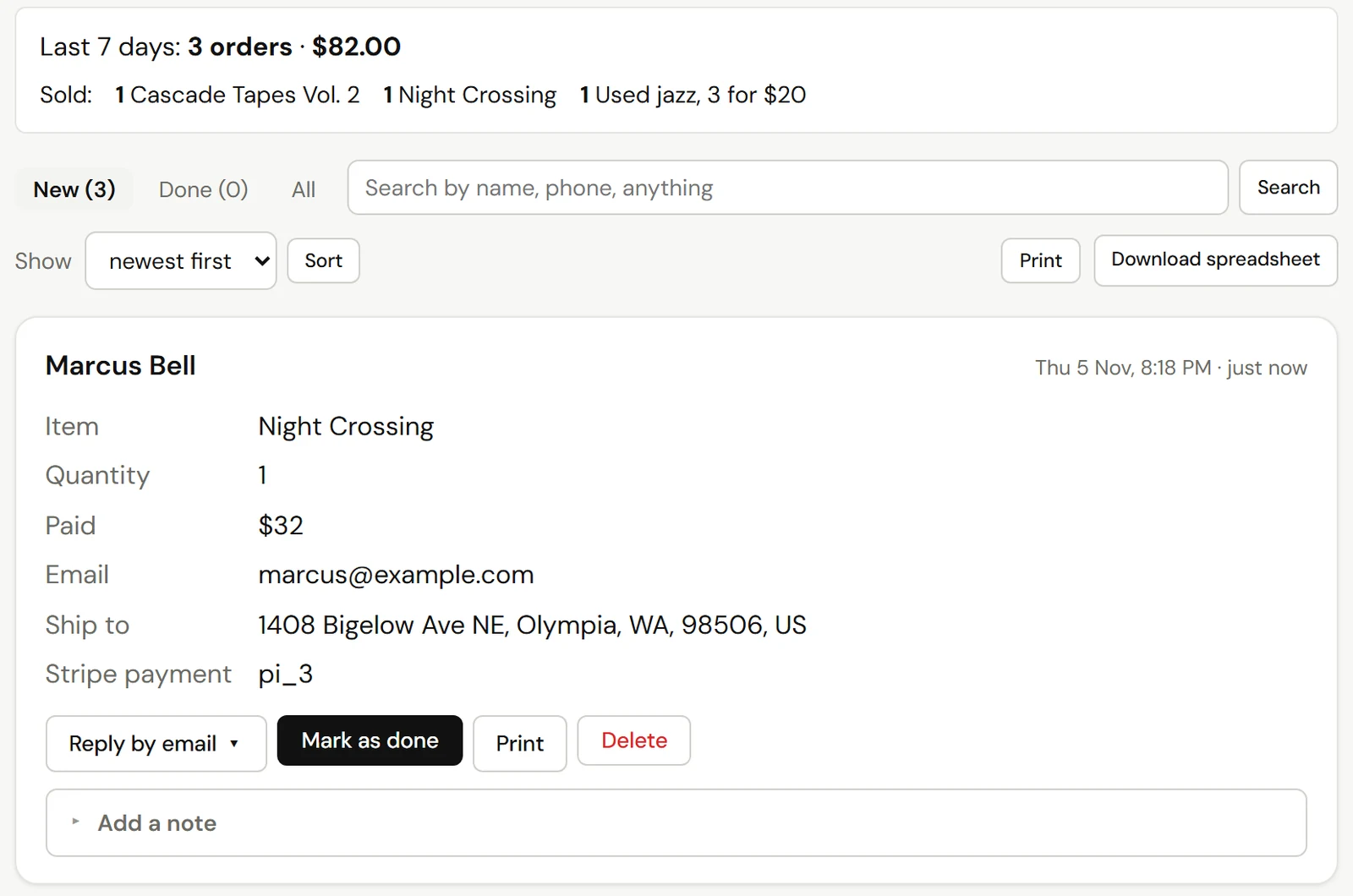
Who bought what and where to send it, with an email for each order. Bookings and messages land here too.

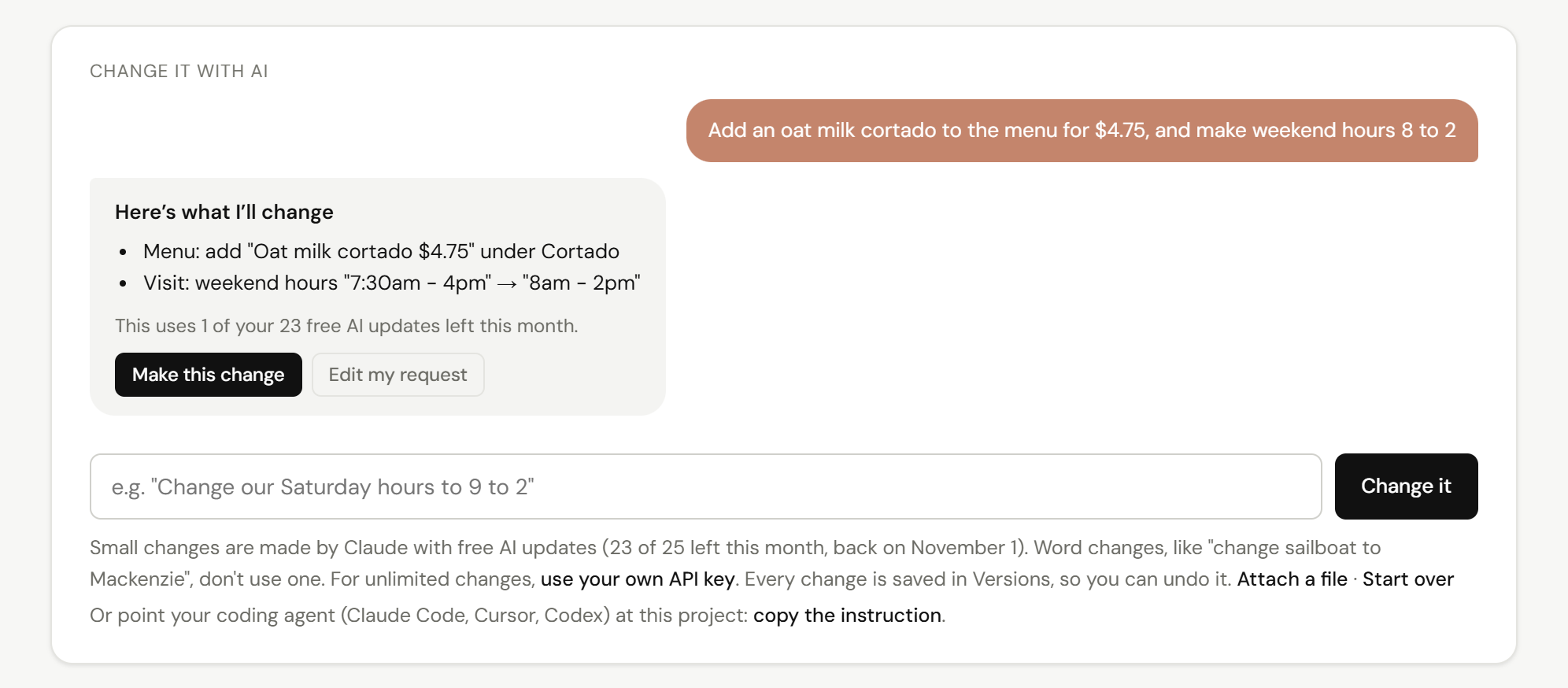
New hours, a new section, a different look. Ask in plain words. 25 changes a month are free.
Turn on Safety Net (free) and they see the latest version of your site.
Stripe takes the payment. The order shows up in your Inbox when your computer’s back on.
If it’s been off for 15 minutes, and again when it’s back.
Want it on all the time? The Private Server runs day and night.
Most people never pay. All of this is free:
Need more? Lite ($6.99/month) and Pro ($12.99/month) raise the limits: 10 or 50 web addresses, 250 or 500 AI changes a month, and more room for Safety Net, sign-in emails and connected domains. Sign-in emails are the codes visitors get to sign in to your sites: 50 a month free, 500 on Lite, 2,000 on Pro.
No. Pick a template and click on anything to change it. Or describe what you want to AI, or upload a site you already have.
Nothing from us. Stripe charges its card fee (in the US about 2.9% + 30¢ per payment) and pays you directly.
Yes. Buy one through Baumeister (privacy included) or connect one you own with Cloudflare. HTTPS is set up for you.
No. Safety Net keeps your site up while it’s off, and orders sent in the meantime show up when it’s back on. If you want it on all the time, there’s the Private Server.
Free for Windows and Mac.
When you open it, Windows may say Windows protected your PC
. That’s normal for new apps. Click More info, then Run anyway.